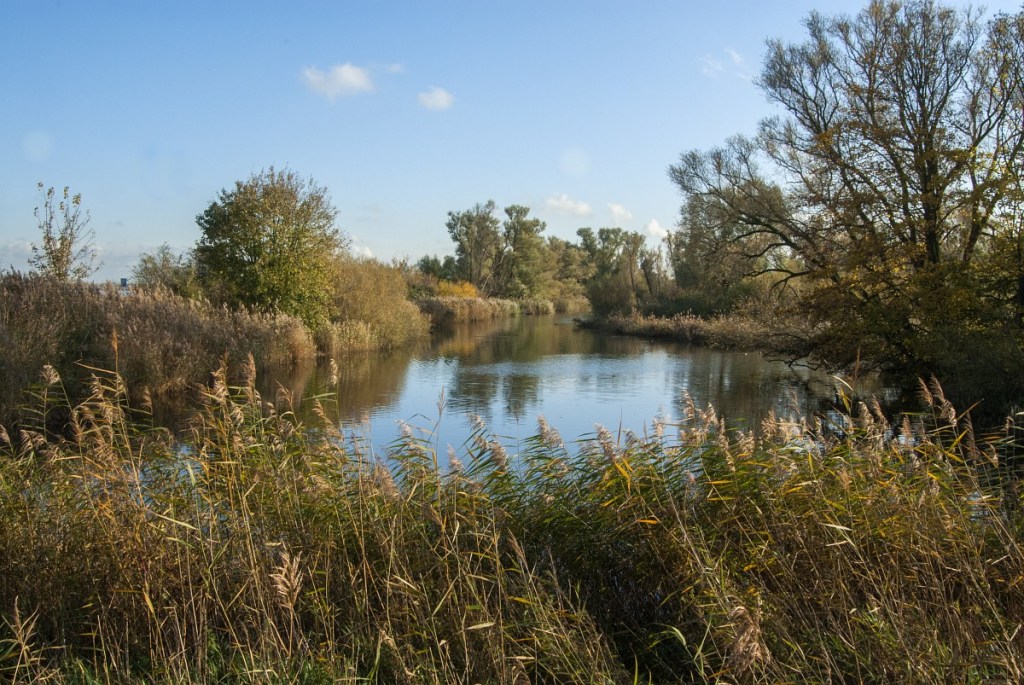
If you are like me and you enjoy hiking and nature, it is good to know there are apps that can help you get an even better hiking experience.
The days of carrying heavy fieldguides around if you wanted to identify plants, birds or insects in the field, are over. Fortunately, there are plenty of apps now that help you to know and understand what creepy creatures and wonderful plants you meet on your hike. Just take a picture and let an app identify what it is. Mismatches happen, of course, but most of the time the app will give you the correct name of the plant, butterfly or bird you encounter on the trail.
But where to start and which apps to use? Let me share my favourite apps with you and show you how they work.
1. ObsIdentify
ObsIdentify is my go-to app for anything in nature I can get a picture of. It works great for indentifying plants, insects, snails, frogs, you name it. It does well with mushrooms too, but they can be a bit tricky to identify, so you may want to use a different app for that (see below).
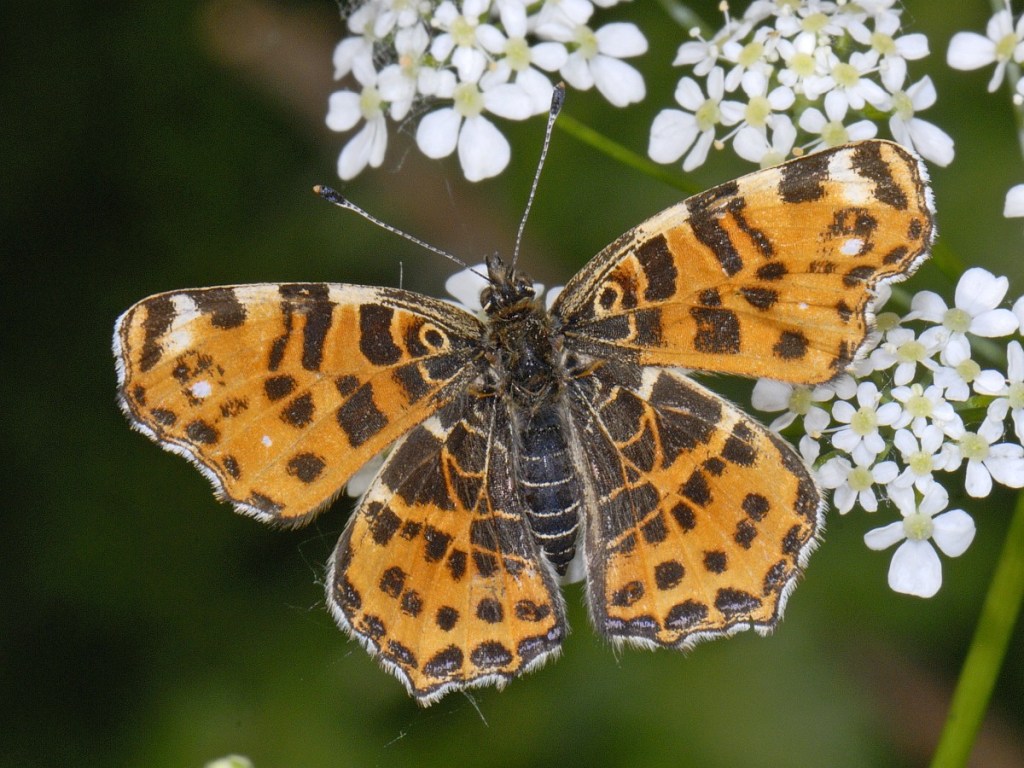
The great thing about ObsIdentify is that it not only helps you to identify something, but it also records anything you observe and enter in the app. This way, you contribute to the registration of where and when all kinds of species have been observed. It also tells you if what you see is common, rare or very rare. Always nice to know!
To use the app, just download it on your phone. You do need a (free) account before getting started. It then stores all your observations in the app, and even rewards you with badges for your registrations.
2. Pl@ntNet
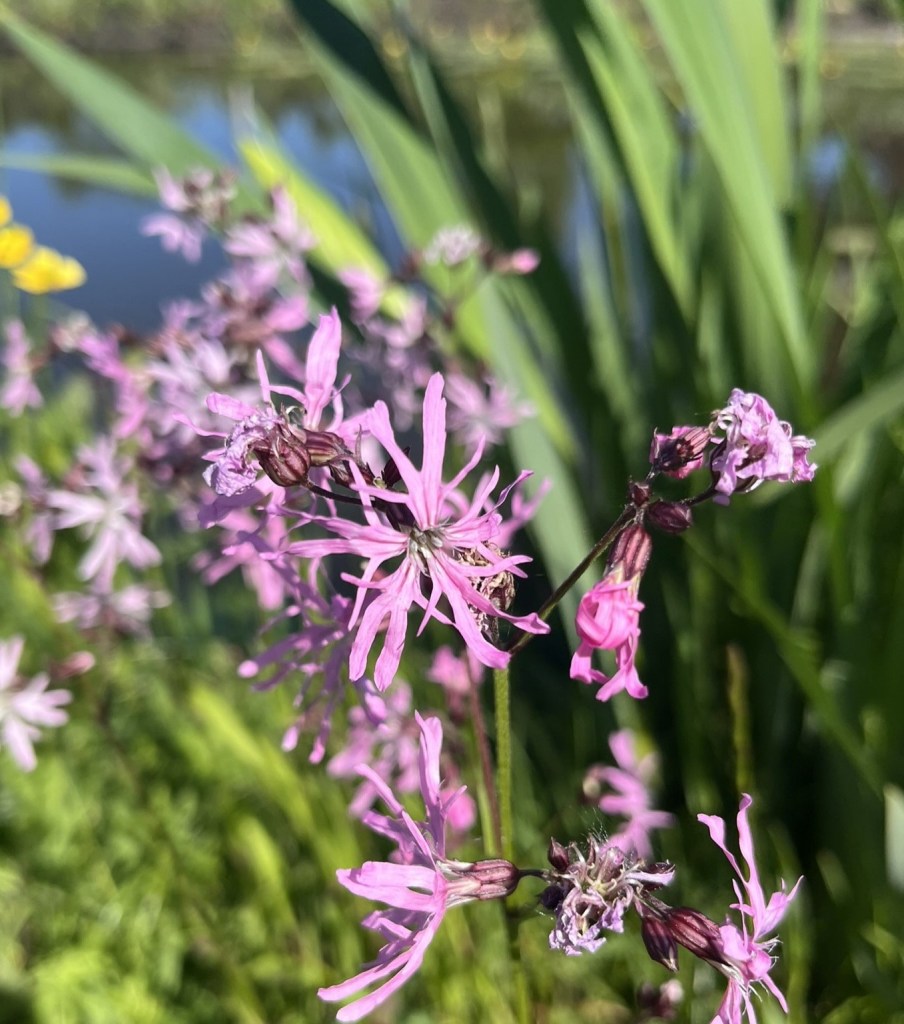
A great app for identifying plants is PlantNet. It is a bit more precise than ObsIdentify, which is helpful if ObsIdentify is not conclusive about your plant. In the PlantNet app, you can enter pictures of the flowers, leaves, fruits and bark of the plant or tree separately. This results in a better identification. I have found it to be especially helpful for the identification of trees.
3. Picture Mushroom
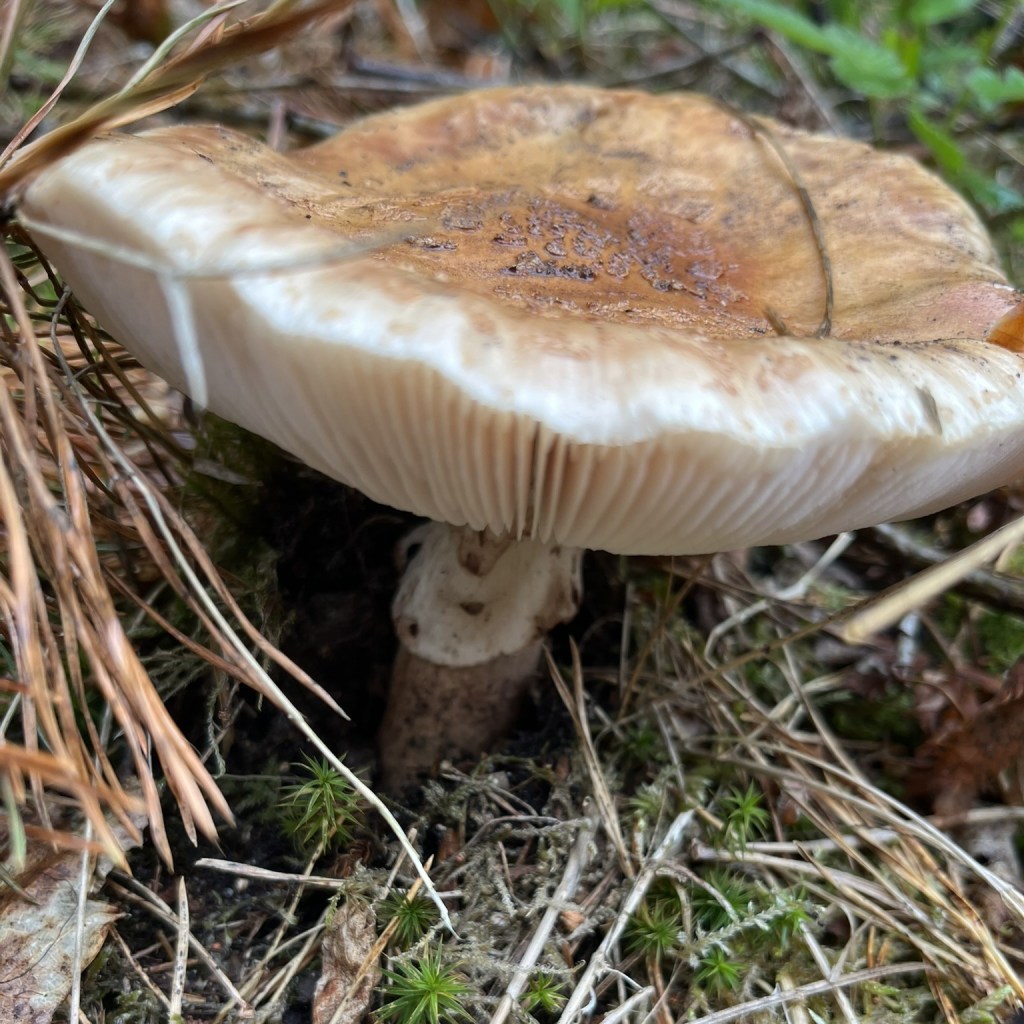
Mushrooms can be tricky to identify, even for experts. You need to look at the top, bottom and general shape of the mushroom. Some mushrooms can only be identified by looking at it through a microscope! But for most common species, pictures taken from different angles will be enough to help identify the mushroom. And that is wat Picture Mushroom does for you! When you open the app, it tells you to take a series of pictures (top, bottom and side) and then tells you what the mushroom most likely is. It also gives you information about whether the mushroom is edible or poisonous.
Learn more about PictureMushroom
4. Merlin Bird ID

But what about birds? If you have ever tried to take a picture of a bird with your phone, you know how difficult that can be. And often you just hear the bird, but don’t see it anywhere. That is where Merlin Bird ID comes in. It helps you to identify birds in three different ways. Step-by-step (by answering a number of questions about the bird), by sound and by uploading a picture. Identification by sound is what I use all the time, and it works wonderfully.
How it works
When you are out on a hike and hear a bird, hit the ‘sound’ (geluid) button right in the middle of the opening screen in the app. It immediately starts recording, and analyses the bird song. When the app recognises the bird, it gives you the name and a picture of the bird. When you hear various birds at the same time, you will get a list of bird names. Whenever a bird sings again, the name of the bird highlights. This is a great way to learn to recognise birds by their song. And you’ll know what to look for when you hear a bird!
For the Merlin Bird ID app, you do not need an account. Just download it on your phone, get the birdlist for your region, and start listening for birds!
Learn more about Merlin Bird ID
5. Maps.me
When you are on a nature hike, looking at birds, plants and insects, you don’t want to get lost! In the middle of a forest or somewhere in a National Park, Google maps is not going to be of much help, as it doesn’t show you all the small tracks and trails. The app Maps.me does a much better job at this. Even the smallest paths will show up on the map. Download the app and then the maps of the area you are planning to go for a hike. It’s all free ánd you can use the maps even when you are offline.
Uploading tracks in maps.me
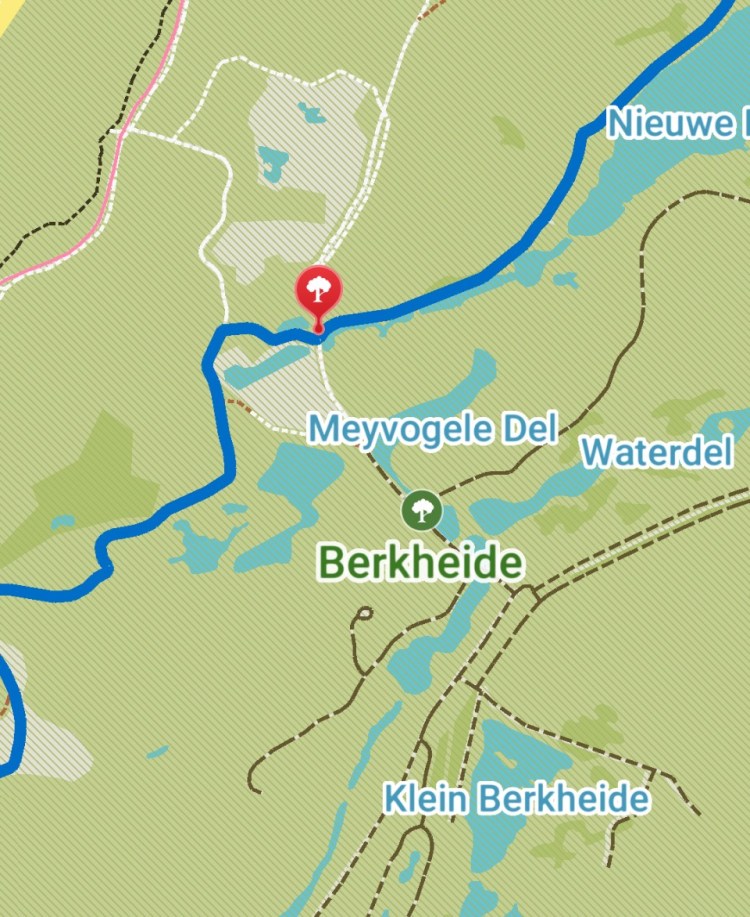
One of the best features of maps.me is the option to upload .gpx files of the track you are planning to walk. Gpx files can be found on most websites that offer hikes. If you download the file and upload it in maps.me, it will appear as a coloured line on the map (the blue line in the picture). This makes it almost impossible to get lost during a hike, as all you have to do is follow the line on the map.
Would you like to try some of these apps, learn more about nature, see new places and meet new people? Join a Dutch Nature Hike!
 Rewild Yourself